The Agentic Post
Breaking
Gemini’s Multimodal Features, Explained  Â·  ChatGPT Custom GPTs, Explained  Â·  What Is Constitutional AI? Explained  Â·  AI Capex Explained for Investors  Â·  AI Startup Valuations: How They Are Set  Â·  How to Reskill for an AI Job Market  ·  
Home/AI Agents/Computer-Use Agents
Can AI Agents Use a Computer Like You?

Can AI Agents Use a Computer Like You?

Computer-Use Agents

An honest look at how well computer-use AI agents actually work, how they operate mechanically, and where they still fall short of demo footage.

Not quite, and the gap between “like you” and what actually happens is worth understanding before trusting one with anything real.

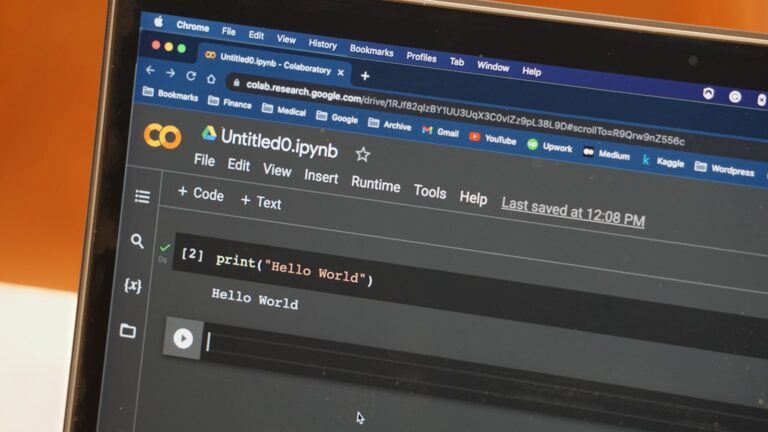
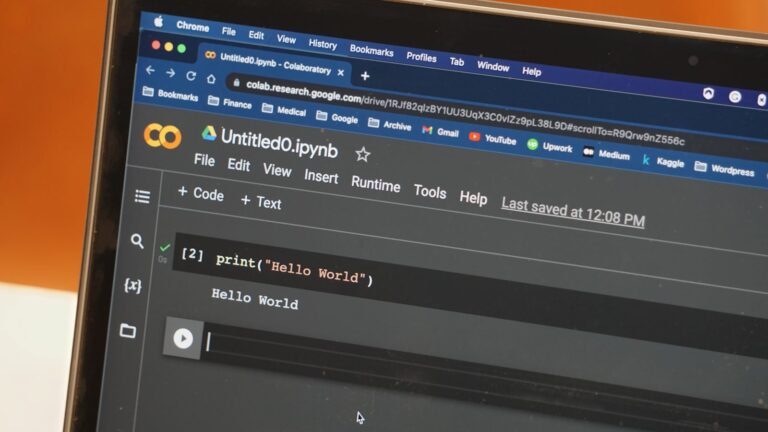
Computer-use agents see a screenshot, identify clickable elements, and take an action, then repeat, an approximation of vision and clicking rather than the same process you go through.

Our coverage of the OSWorld 2.0 benchmark found leading agents dropping from roughly 85% success on an easier, saturated test to around 20% on one testing longer, more realistic task chains. Short, familiar, well-defined tasks are where they’re genuinely reliable. Long workflows across unfamiliar applications are where the “like you” comparison breaks down fast.

Where a real API exists, use it instead, it’s still more reliable than screen automation. Save computer-use agents for exactly the gap they were built for: software with no API at all. Review the benchmark directly at the OSWorld project page for the current numbers.
Up Next
Building Your First AI Agent

Building Your First AI Agent

Agent Frameworks

A practical starter guide to building your first AI agent, covering task scoping, framework choice, tool connections, and safe autonomy.

Building your first agent is a lot more approachable than the ecosystem’s jargon makes it sound. Here’s the practical starting path.

Pick one narrow, well-defined task, summarizing new emails matching a filter, checking a website for a specific change. Not “manage my whole inbox.” A narrow scope is what actually lets you finish and learn something.

LangChain is the most common starting framework for a reason, extensive documentation and a huge library of pre-built tool integrations. A provider’s own SDK is a reasonable alternative if you’re committed to one model.

Give it read-only access first. Let it check things and report back before you let it take any real action. This catches most bad behavior before it costs anything.

Only add the ability to actually act, sending an email, writing a file, once you’ve watched it reason correctly across many read-only runs. See LangChain’s own getting-started documentation for the concrete first steps.