The Agentic Post
Breaking
Black October 2026: Every Major AI Security Incident, Explained  Â·  ARTEX: The Open-Source AI Hacking Tool Behind October’s Biggest Attacks  Â·  Chinese Hackers Used AI Agents to Hit 2,250 Microsoft 365 Accounts  Â·  PHP2Shell Is Now Being Exploited, and Attacks Began Before the Patch  Â·  OpenAI-Backed Thrive Buys ADT for $15.3 Billion to Rebuild It With AI  Â·  The AI Data Center Backlash Hits Minnesota and Australia in One Week  ·  
Home/AI Tools/Video Generators
AI Video Editing Tools vs Generators

AI Video Editing Tools vs Generators

Video Generators

An explainer on the difference between AI video editing tools and video generators, and how to match the right category to your actual workflow.

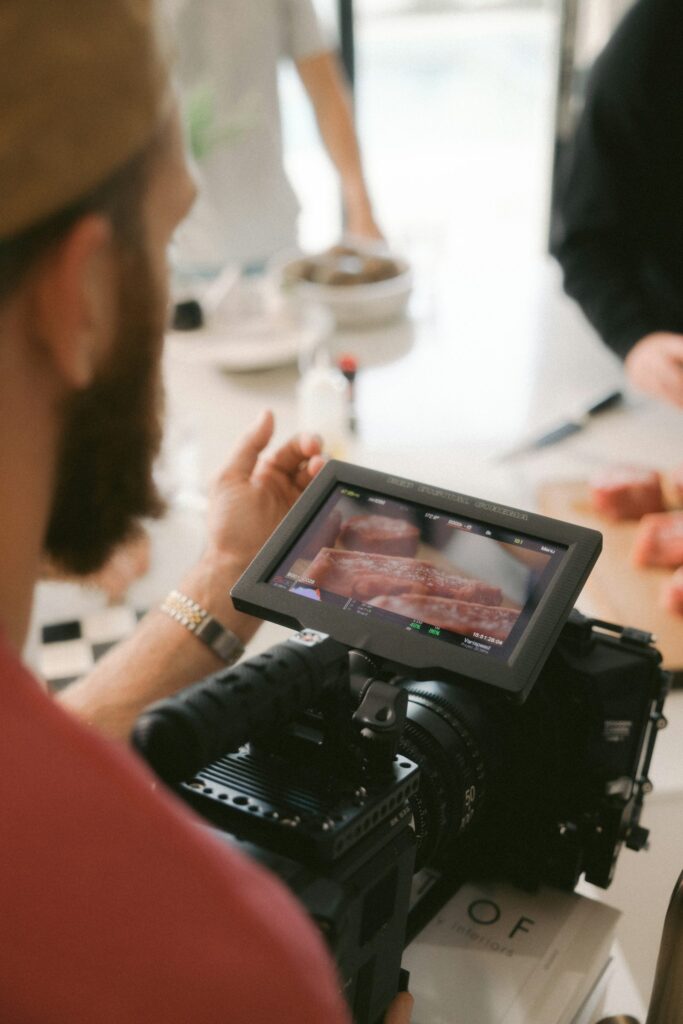
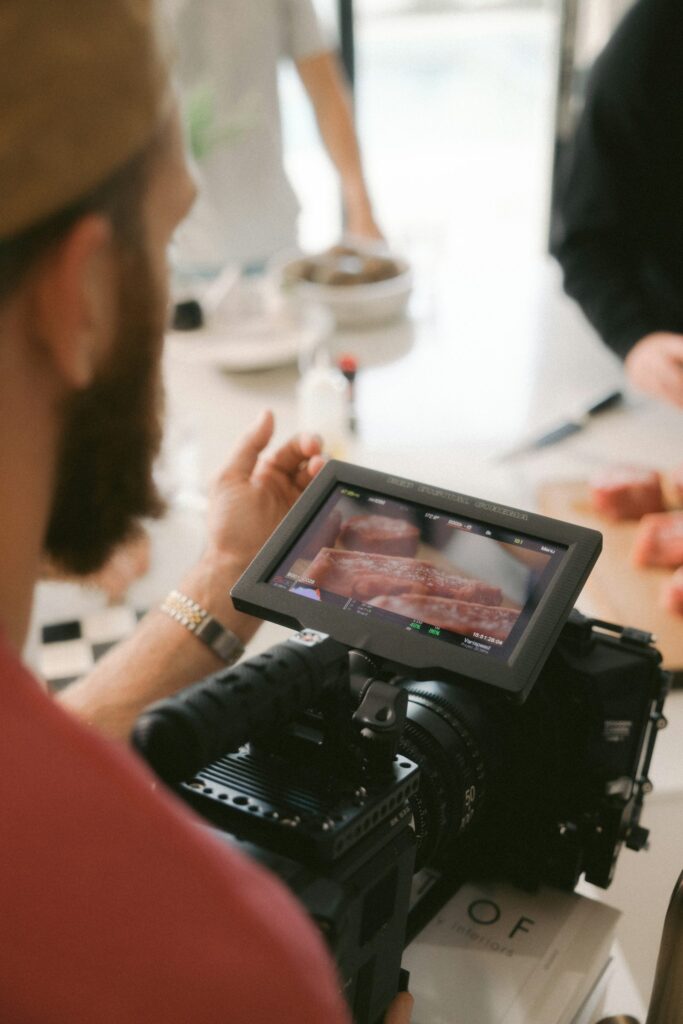
“AI video tool” covers two genuinely different categories, generating new footage from scratch versus editing footage that already exists, and conflating them leads to picking the wrong tool.

AI video generators create entirely new footage from a text prompt or reference image, with no existing source video required. The right category when you need footage that doesn’t exist yet.

AI-assisted editing tools work with footage you already have, automatically cutting to the best takes, removing filler words, generating captions, or extending a shot’s background. These enhance real, existing footage rather than creating something from nothing.

If you have real filmed content and need to work faster, an editing tool is the right category. If you need footage you don’t have and can’t practically film, a generator is. Using a generator to “fix” existing footage, or an editor to create footage from nothing, is fighting the tool’s design.

The line is blurring as editing platforms add generative fill, and generation platforms add editing controls. Check what a specific tool actually does well. See Google DeepMind’s Veo page as one current generator.

Up Next
AI Image Upscaling, Explained

AI Image Upscaling, Explained

Image Generators

An explainer on AI image upscaling, how it differs from simple resizing, and where the distinction between generated and recovered detail actually matters.

AI upscaling can turn a low-resolution image into something genuinely usable at a much larger size, a real, practical tool distinct from generation itself.

Traditional resizing stretches existing pixels, producing visible blur at any significant size increase. AI upscaling instead generates plausible new detail based on patterns learned from training data, producing meaningfully sharper results, though it’s technically adding invented detail, not recovering information that was never captured.

For general creative or marketing use, invented detail that looks plausible is fine. For anything requiring forensic or evidentiary accuracy, treating AI-upscaled detail as real information rather than a plausible guess is a genuine risk.

Preparing an existing image for print at larger sizes, restoring old or low-quality photos, improving AI-generated images that came out at lower resolution than needed, all genuinely solid, low-risk use cases.

Genuinely improves how an image looks at larger sizes, but the added detail is generated, not recovered, worth keeping in mind wherever exact accuracy matters more than visual appeal. Read Meta’s own announcement of Muse Image for one current tool.