The Agentic Post
Breaking
Gemini’s Multimodal Features, Explained  Â·  ChatGPT Custom GPTs, Explained  Â·  What Is Constitutional AI? Explained  Â·  AI Capex Explained for Investors  Â·  AI Startup Valuations: How They Are Set  Â·  How to Reskill for an AI Job Market  ·  
Home/AI Models/Model Comparisons
Best AI Model for Coding in 2026

Best AI Model for Coding in 2026

Model Comparisons

A practical guide to choosing the best AI model for coding in 2026, comparing Claude, GPT-based models, Gemini, and DeepSeek on real workflow fit.

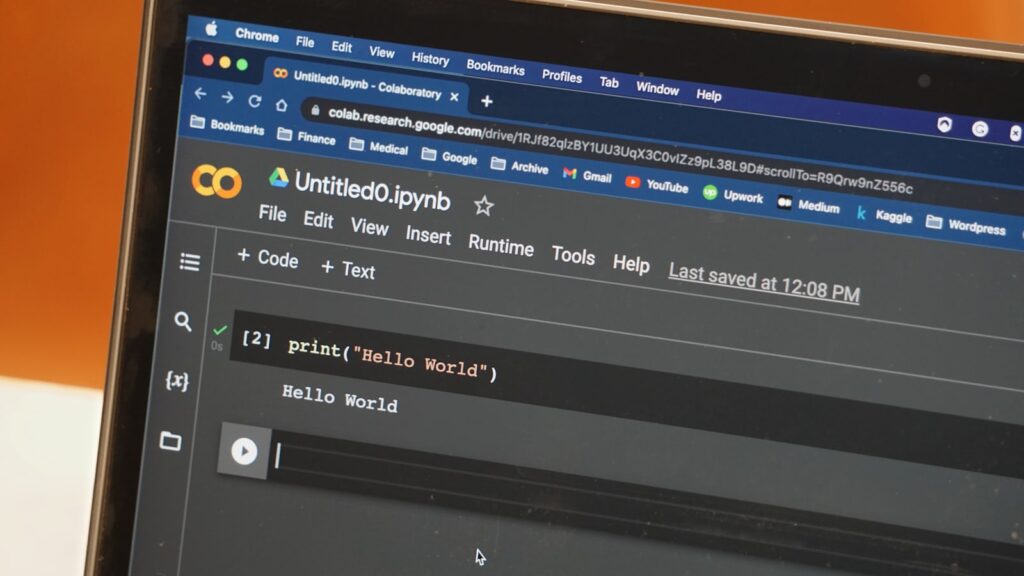
“Best AI model for coding” doesn’t have one universal answer anymore. The leading models are close enough on benchmarks that the right pick depends on your specific stack.

On real coding benchmarks like Terminal-Bench, leading models from OpenAI, Anthropic, and Google routinely land within a point or two of each other, a real shift from a couple years ago. Picking based purely on this week’s leaderboard is less useful than it used to be.

Where the models actually diverge

Claude tends to hold up best on large, established codebases where following conventions matters. GPT-based models often edge ahead on tasks with a single, verifiable answer. Gemini pulls ahead when a task needs an enormous amount of context loaded at once. DeepSeek’s newest models offer strong coding scores at a fraction of the cost.

Cost matters more than most comparisons admit

For high-volume, automated workflows, a model that’s 90% as capable at a fifth of the price often wins in practice over a marginally better, much more expensive one. Test your top two or three candidates against your actual codebase, then track your real acceptance rate, that tells you more than any published benchmark.

See Terminal-Bench for independently tracked coding benchmark results.
Up Next
AI for Beginners: Where to Start

AI for Beginners: Where to Start

Beginner Guides

A step-by-step starting guide for AI beginners in 2026, from picking an assistant to learning prompting, verification, vocabulary, and agents.

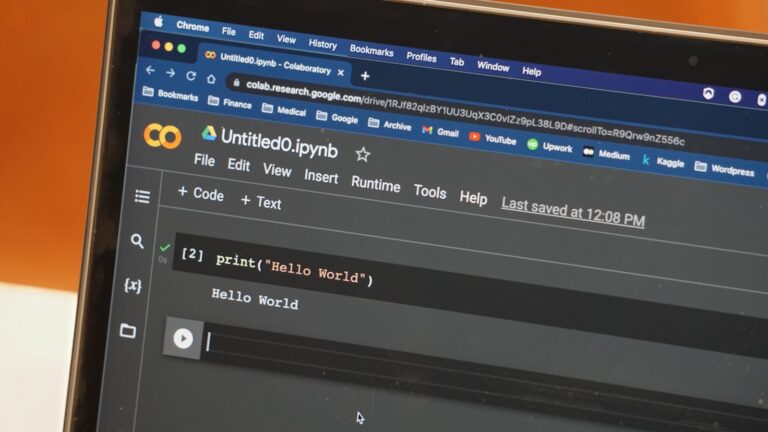
Starting from zero with AI can feel paralyzing given the volume of tools and news. Here’s the actual order that makes sense.

1. Pick one assistant and stick with it for a week

Don’t try to evaluate everything at once. Pick whichever of Claude, ChatGPT, Gemini, or Copilot is already built into software you use, and commit to a real week of actual tasks before judging it.

2. Learn to give it real context

Stating who the output is for and what format you need, before asking for the thing itself, is the single biggest quality jump available. See our prompt engineering guide for the reusable template.

3. Learn what not to trust blindly

Every model can state something false with total confidence. Build the habit of verifying anything specific before relying on it.

4. Pick up vocabulary as you go

Bookmark our AI glossary and look terms up as they come up, rather than front-loading every definition first.

5. Only then, explore agents

AI agents, tools that take multi-step action rather than just answering, are a genuinely different skill worth adding once the basics feel comfortable.

OpenAI, Anthropic, and Google all publish their own beginner documentation, starting with Anthropic’s help center.