A computer-use agent doesn’t get a special backdoor into your software. It sees your screen the same way you do, and clicks the same way you would. Here’s how that actually works, in the form of the questions people usually ask about it.
So it’s literally looking at a picture of my screen?
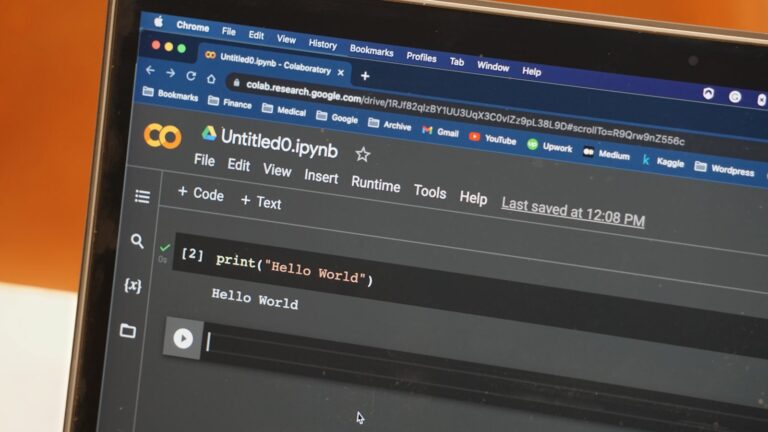
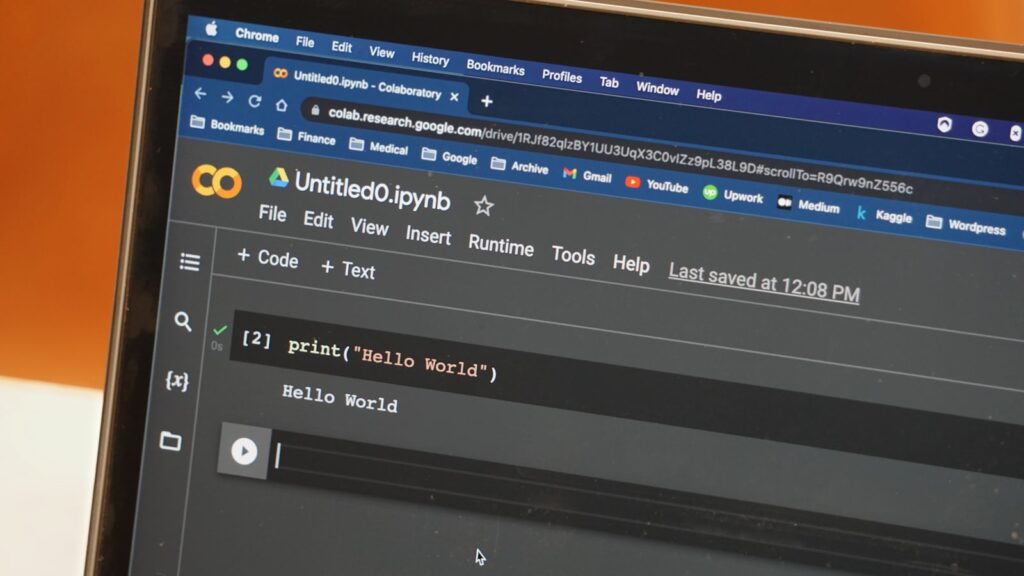
Essentially, yes. The agent receives a screenshot, a vision-capable model identifies buttons, fields, and menus in it, and decides where to click or what to type next. A new screenshot is taken after each action, and the loop repeats.
Why not just use an API instead?
Because most software doesn’t have one for the specific task you need, or the API that exists doesn’t cover it. Screen automation is the fallback that works on almost anything a person could operate, at the cost of being slower and less reliable than a dedicated integration.
Does it actually work well?
Depends heavily on the task. Our look at the OSWorld 2.0 benchmark found leading agents dropping from roughly 85% success on an easier, more saturated test to around 20% on a harder one testing longer task chains. Short, well-defined tasks with a clear visual target are the reliable case; long, multi-app workflows in unfamiliar layouts are where things fall apart.
What should I actually trust it with today?
Filling out a familiar form, extracting data from a consistent layout, navigating a small, repeated set of screens. And whenever a real API exists for the same task, use that instead, it’s still the more reliable option.
That gap between demo-friendly short tasks and messy real workflows is exactly what separates a genuinely useful agent from one that only looks good in a screen recording.
See the benchmark directly at the OSWorld project page.