
The Agentic Post
Breaking
Gemini’s Multimodal Features, Explained  Â·  ChatGPT Custom GPTs, Explained  Â·  What Is Constitutional AI? Explained  Â·  AI Capex Explained for Investors  Â·  AI Startup Valuations: How They Are Set  Â·  How to Reskill for an AI Job Market  ·  
Home/Guides/Comparisons
Gemini vs Grok: Which Is Better?

Gemini vs Grok: Which Is Better?

Comparisons

A comparison of Gemini and Grok, covering Gemini's Workspace integration versus Grok's live X data access and DeepSearch mode.

Gemini and Grok take genuinely different approaches to what makes an assistant useful, and the right pick depends heavily on what kind of information you need it to work with.

Gemini’s built directly into Docs, Gmail, and Search, a real advantage for anyone already in Google’s ecosystem, with live Search grounding for current information.

Grok’s direct access to real-time X data and its DeepSearch research mode make it genuinely stronger for tracking current public sentiment or fast-moving events.

For general writing, research on stable topics, and everyday coding help, the practical difference between the two is smaller than either company’s marketing suggests. The real divergence shows up specifically on tasks needing deep Workspace integration or live social sentiment, exactly what each was built to win.

Choose Gemini if you’re living in Google’s ecosystem. Choose Grok if you need live social data or DeepSearch. For the full four-way breakdown with Claude and ChatGPT, see our complete comparison. Compare directly at gemini.google.com and x.ai.

Up Next
Chain-of-Thought Prompting, Explained

Chain-of-Thought Prompting, Explained

Prompt Engineering

An explainer on chain-of-thought prompting, why it improves accuracy on multi-step problems, and when to actually use it.

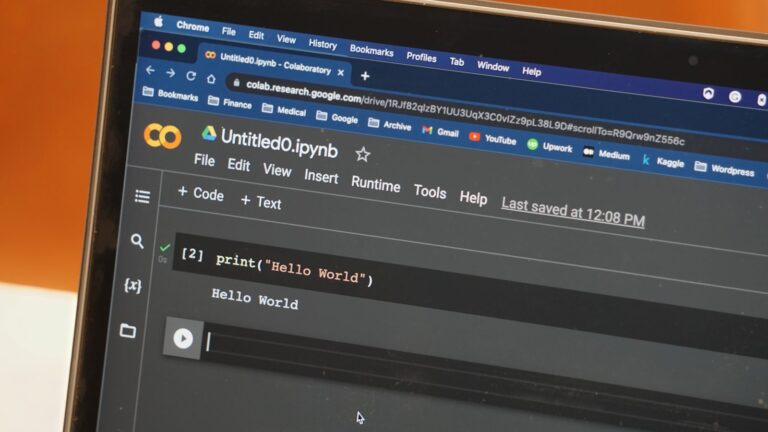
Chain-of-thought prompting is one of the most consistently effective techniques for hard, multi-step problems, and it’s simpler to use than the name suggests.

Rather than asking a model to jump straight to a final answer, this technique asks it to reason through the problem step by step first, then answer. For math, multi-step logic, or complex tradeoffs, this consistently catches errors a straight-to-the-answer response would miss.

Generating intermediate reasoning steps gives a model the equivalent of showing its work, which makes errors in one step more likely to get caught before compounding into the final answer, and easier for you to spot where a flawed conclusion went wrong.

Many current reasoning models do this automatically. It still helps to request it explicitly with faster, non-reasoning variants tuned for speed, or when you want to see the intermediate steps directly.

Add “think through this step by step before answering” to a genuinely complex prompt. For simple questions, this just adds length without improving accuracy. See our full collection of prompt examples for more.

See Anthropic’s own documentation for more technical depth.